Vista rápida
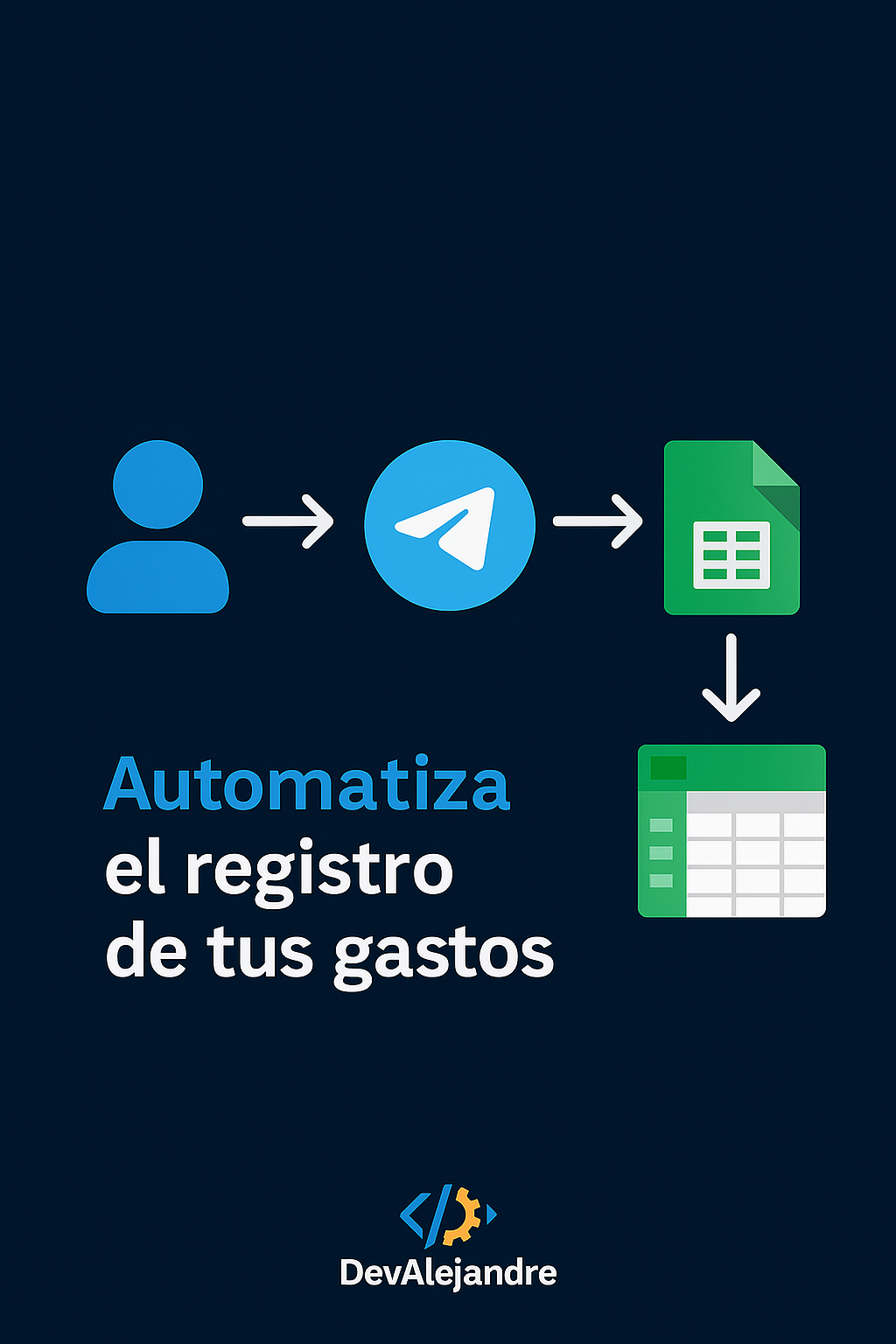
Consejo: empieza con tu propio chat_id y agrega después los de tu equipo. Así evitas ruido mientras pruebas.
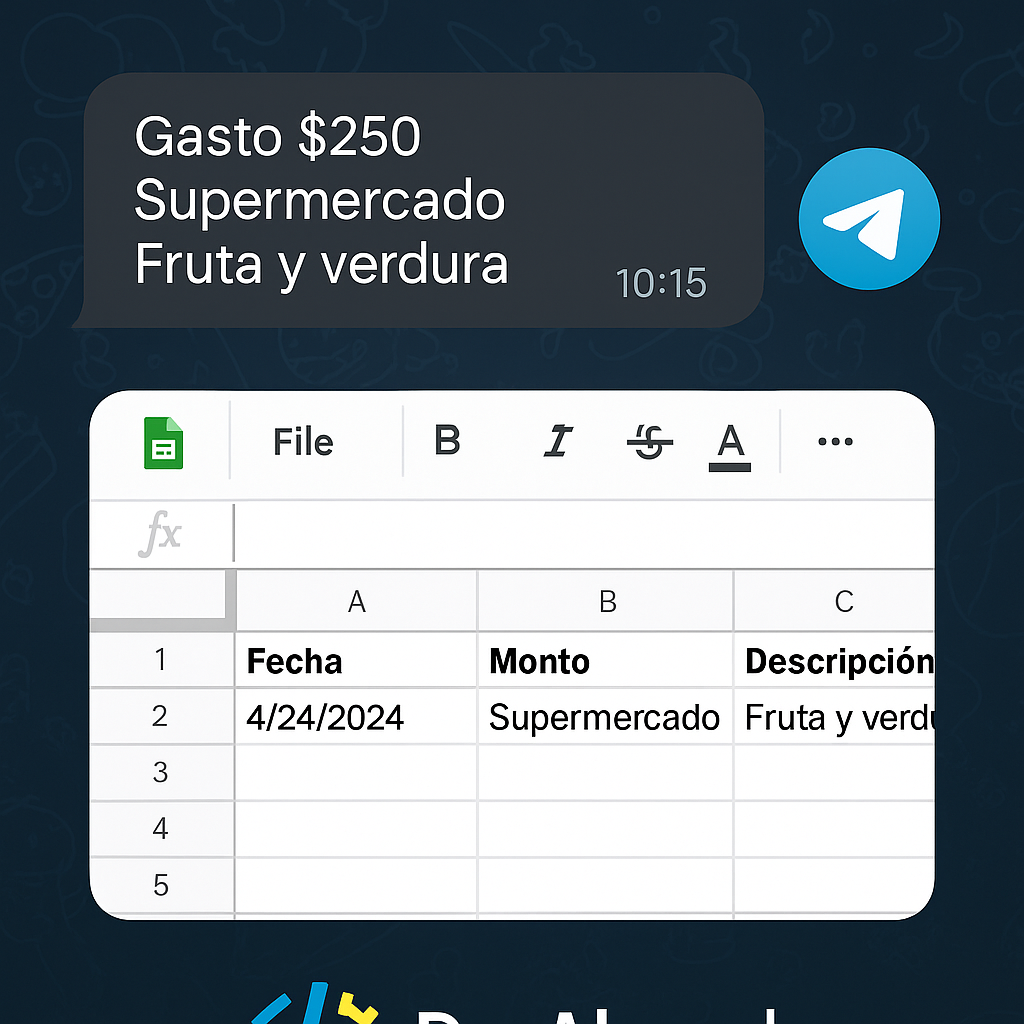
1) Estructura de la hoja
Crea una pestaña llamada Gastos con estas columnas (fila 1 como encabezado):
AFecha (yyyy-mm-dd HH:mm)BMontoCCategoría
DNotaEUsuario (chat_id o alias)FOrigen (Telegram)
2) Apps Script (Web App)
- En Google Sheets → Extensiones → Apps Script.
- Pega el código y guarda.
- Configura
ALLOWED_CHAT_IDSy el nombre de tu hoja. - Publica como Deploy → Web app · Access: Anyone.
/*** CONFIGURACIÓN ***/
const SHEET_NAME = 'Gastos';
const TIMEZONE = Session.getScriptTimeZone();
const ALLOWED_CHAT_IDS = ['123456789']; // agrega tu chat_id y los de tu equipo

/*** PARSEAR MENSAJE
 * Formatos aceptados:
 *  "120 comida tacos"
 *  "120.50 transporte uber aeropuerto"
 *  "/gasto 80 cafe clientes"
 */
function parseMessage(text) {
  text = String(text || '').trim();
  text = text.replace(/^\/gasto\s+/i, ''); // permite usar /gasto al inicio
  const parts = text.split(/\s+/);
  const rawMonto = parts.shift();
  const monto = Number((rawMonto || '').replace(',', '.'));
  if (!monto || !isFinite(monto)) throw new Error('Monto inválido. Ej: 120 comida tacos');

  const categoria = (parts.shift() || 'general').toLowerCase();
  const nota = parts.join(' ') || '';
  return { monto, categoria, nota };
}

/*** HANDLER WEBHOOK (POST desde Telegram) ***/
function doPost(e) {
  try {
    const update = JSON.parse(e.postData.contents);
    const msg = (update.message || update.edited_message);
    if (!msg) return ContentService.createTextOutput('ok');

    const chatId = String(msg.chat.id);
    if (!ALLOWED_CHAT_IDS.includes(chatId)) {
      return reply(chatId, 'No autorizado. Contacta al admin para darte acceso.');
    }

    const text = msg.text || '';
    if (!text) return reply(chatId, 'Envía: 120 categoria nota');

    const { monto, categoria, nota } = parseMessage(text);

    const sh = SpreadsheetApp.getActive().getSheetByName(SHEET_NAME);
    if (!sh) throw new Error('No existe la hoja "' + SHEET_NAME + '"');

    const now = new Date();
    sh.appendRow([
      Utilities.formatDate(now, TIMEZONE, 'yyyy-MM-dd HH:mm'),
      monto,
      categoria,
      nota,
      chatId,
      'Telegram'
    ]);

    return reply(chatId, '✅ Registrado: $' + monto + ' · ' + categoria + (nota ? ' — ' + nota : ''));
  } catch (err) {
    return ContentService.createTextOutput('error: ' + err.message);
  }
}

/*** RESPONDER POR TELEGRAM (opcional vía UrlFetch) ***/
const TELEGRAM_BOT_TOKEN = 'TU_TOKEN_BOTFATHER';
function reply(chatId, text) {
  if (!TELEGRAM_BOT_TOKEN) {
    return ContentService.createTextOutput(text || 'ok');
  }
  const url = 'https://api.telegram.org/bot' + TELEGRAM_BOT_TOKEN + '/sendMessage';
  const payload = { chat_id: chatId, text: text, parse_mode: 'HTML' };
  const params = { method:'post', contentType:'application/json', payload: JSON.stringify(payload), muteHttpExceptions:true };
  UrlFetchApp.fetch(url, params);
  return ContentService.createTextOutput('ok');
}
Privacidad: usa una cuenta de servicio/empresa. Controla los chats permitidos en ALLOWED_CHAT_IDS.
3) Crear bot y conectar webhook
- En Telegram, habla con @BotFather → /newbot → copia tu token.
- Despliega el Web App (paso anterior) y copia la URL del despliegue.
- Configura el webhook:
https://api.telegram.org/botTOKEN/setWebhook?url=URL_DE_TU_WEBAPP - Para limpiar/cambiar:
https://api.telegram.org/botTOKEN/deleteWebhook - Obtén tu chat_id enviando un mensaje al bot y visitando:
Agrega esehttps://api.telegram.org/botTOKEN/getUpdateschat_idaALLOWED_CHAT_IDS.
4) ¿Cómo usarlo?
- Formato:
monto categoría nota(nota opcional). Ej.:120 comida tacos - También acepta
/gasto 80 cafe clientes - Responde “✅ Registrado…” y verás la nueva fila en tu hoja.
5) Tips y seguridad
- Validación de usuarios: limita por
chat_idy, si lo compartes, agrega un “/pin 1234” inicial. - Métricas: crea otra hoja “Resumen” con tablas dinámicas por categoría/mes.
- Backups: activa historial de versiones o copia semanal de la hoja.
- Errores: revisa Executions en Apps Script y el endpoint
getUpdatescuando depures.
¿Quieres que te lo deje operando hoy?
Creo el bot, configuro el Web App, hoja “Gastos”, validaciones y un dashboard básico. Entrego documentación.
¿Prefieres una app en lugar de Google Sheets?
Estoy preparando Life Dashboard, una app Android para controlar pagos, cuentas, recurrentes, calendario financiero y reportes sin depender de una hoja de cálculo.